
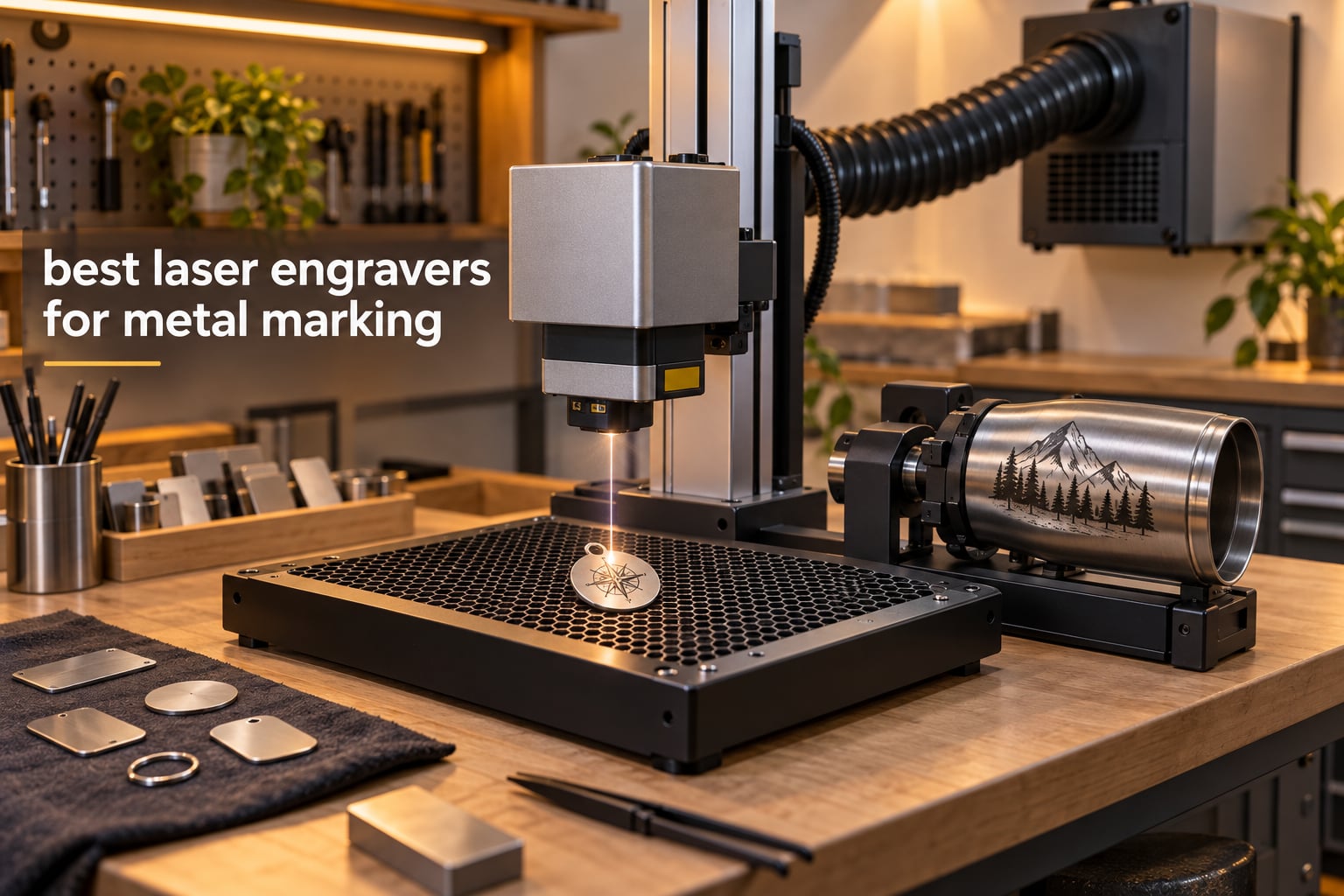
The short answer: a 1064 nm fiber laser is the best laser machine for metal engraving, and the xTool F1 Ultra is the easiest place to start because it pairs a 20W fiber head with a 20W diode in one enclosed desktop box. Our top three are the xTool F1 Ultra for overall use, the xTool F2 Ultra 60W MOPA for color marks on metal, and the Carverall K15 Pro for buyers who need coated metal marking on a budget.
Metal is the one material family that punishes a wrong laser choice. A diode machine that beautifully burns plywood will barely scuff bare stainless steel, and a CO2 laser needs a chemical coating before it will touch a shiny surface. That is why we built this guide around real specifications and real owner feedback rather than headline wattage.
We spent six weeks comparing ten machines in the categories that actually appear in metal-marking shops: desktop fiber lasers, dual-laser desktop units, portable galvo engravers, and diode machines that need a coating. For each one we looked at laser type, source power, working area, marking speed, stated accuracy, software path, and the metals the manufacturer claims it handles.
One housekeeping note before we start. Every machine here is rated as either Class 1 or Class 4. Nothing in this guide should be operated before you have read the safety section further down, because fume extraction and eye protection matter more than any feature on this list.
If you are still building out the rest of your workshop, our guide to the best laser levels tested covers layout and alignment tools, and our picks for the best metal bookmarks are a decent low-risk test of any marking setup.
Table of Contents
Top 3 Picks for Metal Marking

xTool F1 Ultra 20W
- 20W fiber plus 20W diode in one enclosed box
- 10000mm/s marking speed
- 220 x 220mm working area
- 16MP smart camera for batch alignment

xTool F2 Ultra 60W
- 60W MOPA fiber with over 100 color results
- Dual 48MP cameras with 0.2mm positioning
- 15000mm/s speed
- 8.7 x 8.7 inch working area

Carverall K15 Pro 10W
- Verified 10W diode output
- Class 1 enclosed
- 11.8 x 7.9 inch A4 workbed
- Optional 1W IR head for stainless steel
Best Laser Engravers for Metal Marking at a Glance in 2026
The table below is the fastest way to see how these ten machines divide. The first six are true fiber laser systems that mark bare metal. The last four are diode machines that mark coated, painted or anodized surfaces, and they need a marking spray or an infrared head for bare metal.
| Product | Specifications | Action |
|---|---|---|
| xTool F1 Ultra 20W Fiber and Diode Dual Laser Engraver |
|
Check Latest Price |
| xTool F2 Ultra 60W MOPA and 40W Diode Dual Laser Engraver |
|
Check Latest Price |
 SFX 50W JPT Fiber Laser Engraver with Rotary Axis SFX 50W JPT Fiber Laser Engraver with Rotary Axis |
|
Check Latest Price |
 ComMarker B4 20W Fiber Laser Engraver ComMarker B4 20W Fiber Laser Engraver |
|
Check Latest Price |
 GWEIKE G2 Max 50W Fiber Laser Engraver GWEIKE G2 Max 50W Fiber Laser Engraver |
|
Check Latest Price |
 GWEIKE G2 20W Fiber Laser Engraver GWEIKE G2 20W Fiber Laser Engraver |
|
Check Latest Price |
| Carverall K15 Pro 10W Diode Laser Engraver |
|
Check Latest Price |
 ATOMSTACK A20 Pro V2 20W Diode Laser Engraver ATOMSTACK A20 Pro V2 20W Diode Laser Engraver |
|
Check Latest Price |
 Twotrees TS2 40W Diode Laser Engraver Twotrees TS2 40W Diode Laser Engraver |
|
Check Latest Price |
 LaserPecker LP2 with Rotary Roller LaserPecker LP2 with Rotary Roller |
|
Check Latest Price |
1. xTool F1 Ultra 20W Fiber and Diode Dual Laser Engraver
xTool F1 Ultra 20W Fiber & Diode Dual Laser Engraver
20W 1064nm fiber plus 20W diode
Up to 10000mm/s
220 x 220mm area
16MP smart camera
Pros
- Marks gold plus silver plus copper plus stainless steel plus brass plus titanium
- Handles bare metal and wood and acrylic and leather and glass in one machine
- Rotary attachment makes curved work straightforward
Cons
- Calibration controls sit behind the light shield and calibration can drift
- Deep metal embossing runs slowly per piece
- LightBurn connectivity appears limited to Windows
We put the F1 Ultra first because it removes the single biggest decision a metal marker has to make. The fiber head marks bare metal, and the diode head covers wood, acrylic, leather and glass, so you are not choosing one material family over the other.
Marking speed is specified at up to 10000mm/s, and owners report clean results on brass, aluminum and stainless steel at speed. The working area is 220 x 220mm, expandable to 220 x 500mm with the optional auto conveyor.
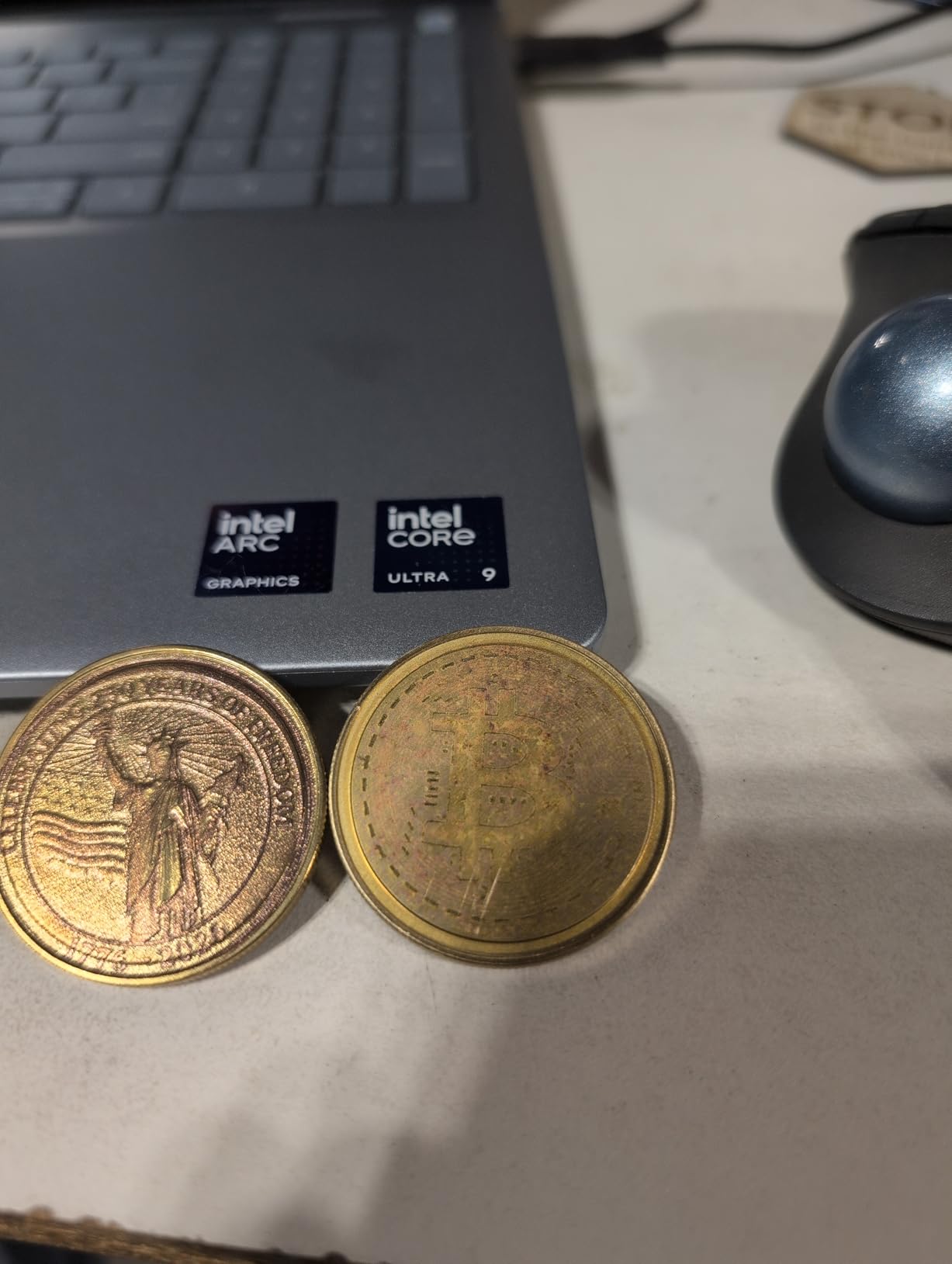
The 16MP smart camera does automatic shape recognition, which is the feature that saves the most time in batch work. Run a stack of identical tags or blanks, place them under the camera, and the machine aligns each one without manual nudging.
The enclosure is genuinely useful. It has a smoke extraction connection, a fire alarm and an emergency stop, which is more safety hardware than most desktop units at this level carry.
On the software side, xTool’s own Creative Space package and its mobile app are included at no cost, and there is an AI design generator for turning a wordmark into a file. A number of owners prefer LightBurn for advanced work, though the connectivity there appears to be a Windows-only path.
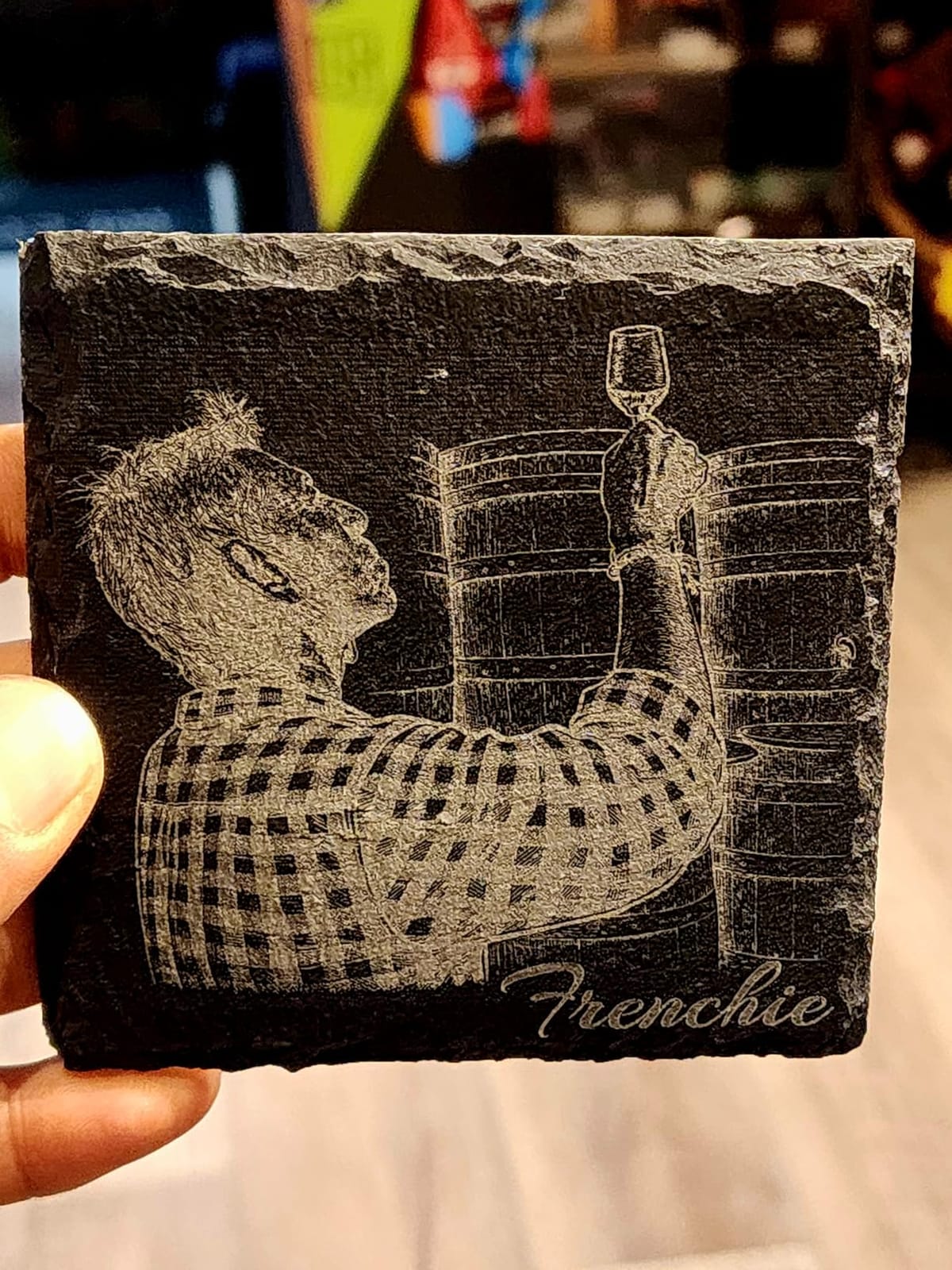
Who the F1 Ultra suits
This is the machine for a jewelry maker, a small fabrication shop, or a product business that wants one device rather than two. If your work list mixes bare metal with wood and acrylic, the dual-head format pays for itself quickly.
The camera-assisted batch alignment is the reason we rated it first. Repeat orders on identical blanks are the bread and butter of a custom marking business, and that is exactly what this machine automates.
Where it falls short
Calibration is the most common complaint. Owners report that the controls sit behind the light shield and that calibration drifts, so a weekly check becomes part of the routine rather than a once-a-year event.
Deep metal embossing is slow, with some owners describing multi-hour cycles per piece, and a visible share of one-star reviews mention complete laser failure on two separate units. The included vent tube is also narrower than a standard dryer vent, so plan your extraction ducting separately.
2. xTool F2 Ultra 60W MOPA and 40W Diode Dual Laser Engraver
xTool F2 Ultra 60W MOPA & 40W Diode Dual Laser Engraver
60W MOPA fiber plus 40W diode
Up to 15000mm/s
8.7 x 8.7 inch area
Dual 48MP cameras at 0.2mm
Pros
- Over 100 repeatable color results on metal
- Handles metals plus wood plus acrylic plus leather plus glass plus coated tumblers
- Dual high-resolution cameras simplify alignment
- Supports black marking on aluminum and laser cleaning
Cons
- Color marks need power plus speed plus frequency plus spacing tuning
- Camera preview is less reliable on reflective or curved parts
The F2 Ultra is the most capable metal marker in this group and the only one here with a genuine MOPA source. MOPA means you control pulse width independently, which is what opens up color marking on stainless steel and titanium rather than the single dark or light mark a Q-switched source produces.
Owners producing multi-color challenge coins describe the results as repeatable and permanent, which is the entire point of a preset color matrix file. Once you load a profile, the same mark comes out the same way on the next piece.
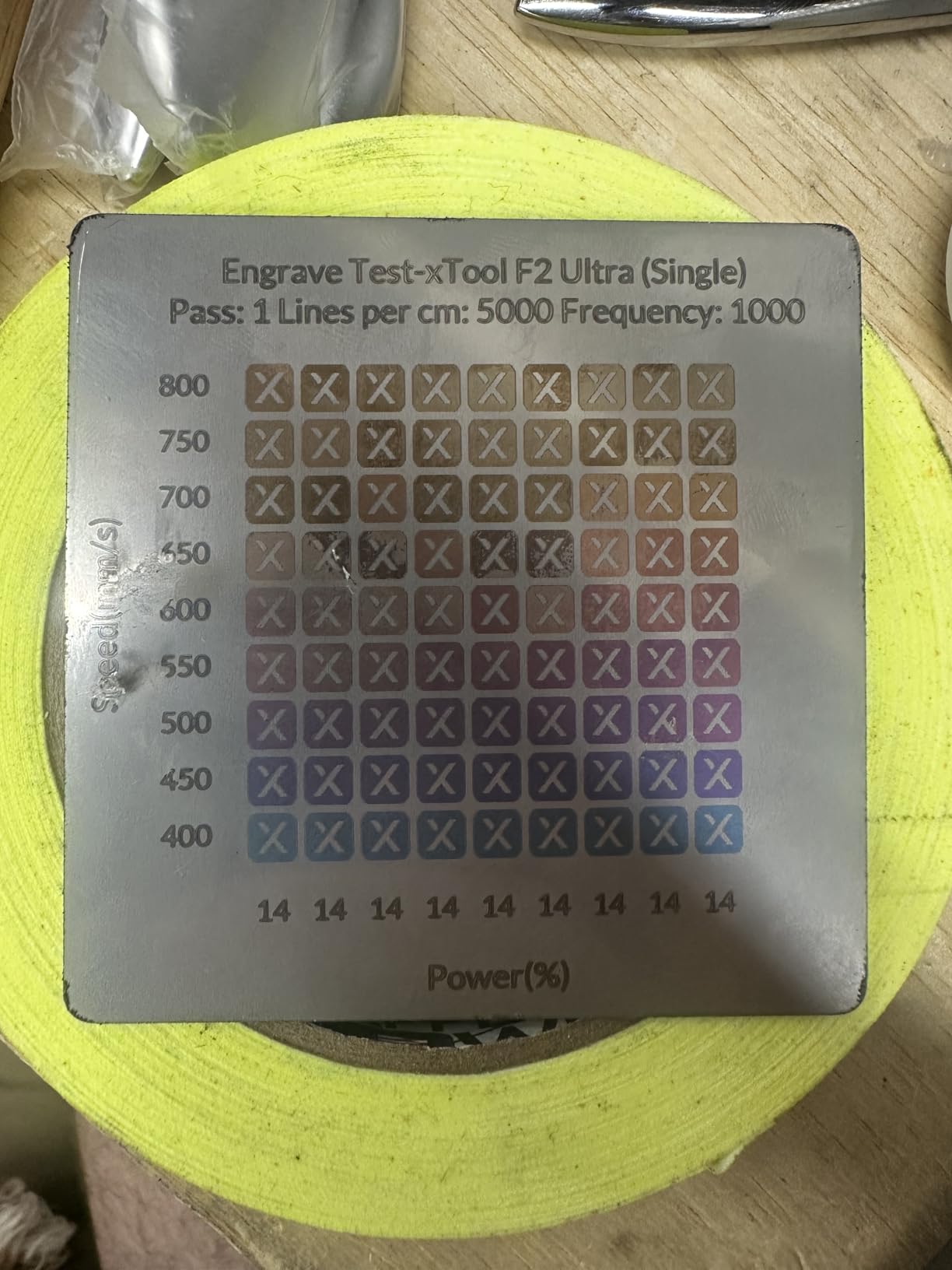
Speed is specified at up to 15000mm/s, and the dual 48MP cameras hold 0.2mm positioning accuracy. That matters on batch runs, where galvo drift shows up immediately as a design that sits differently on coin number forty than on coin number one.
The machine also handles black marking on aluminum, laser cleaning of rusted surfaces, and thin metal welding, plus 2mm metal cutting and deep acrylic and wood work through the diode side.
The stated 3D embossing time is reduced by up to 80% against 20W fiber lasers, which is the main reason to step up in power if you sell relief work rather than flat marks.
Who the F2 Ultra suits
This is a production machine for a business with real volume. If you are running coin batches, coated drinkware, or serialized parts where traceable repeatability is the selling point, the MOPA source earns its cost.
It also suits anyone who currently coats metal just to get a mark. Laser cleaning and black marking on aluminum remove a step from the workflow that diode-only setups require.
Where it falls short
Color engraving is not one-click the way the marketing implies. Owners report real trial and error across frequency, power, speed and spacing, and reflective surfaces still need test passes.
The 44-review pool is small, and within it there are reports of a first unit arriving with a safety lockout that would not engage, a fiber source failing during a brass coin job, and dual-laser firmware enumerating incorrectly until reconfigured. We would want a support contact in place before day one.
3. SFX 50W JPT Fiber Laser Engraver with Rotary Axis
US Stock 50W JPT Fiber Laser Engraver Machine Fiber Laser Marking Machine Engraving Machine 175×175mm Lens with Rotary Axis Compitable with Lightburn Class II Laser 0.874 mW FDA 2520815-000
50W JPT fiber source
175 x 175mm marking area
0.002mm re-position precision
Up to 7m/s marking
Pros
- Holds a perfect 5.0 rating across every review
- 0.002mm re-position precision suits jewelry and serial work
- Rotary axis included in the package
Cons
- The 175 x 175mm area is small for panel work
- No customer review text was available so long-term feedback is thin
- Windows-only software path through EZCAD2
This machine carries a 50W JPT LP+ series source with an 80mm rotating head, and it is the most traditionally industrial design in the group. It sits on a bench, it is 31.1 by 20.08 inches, and it does not pretend to be a craft machine.
The specification that matters for fine work is 0.002mm re-position precision, which is the tightest figure listed across these ten machines. Jewelry engraving and serial number marking both live or die on repeatability at that scale.
Marking speed reaches 7m/s, and the rotary axis is included rather than sold separately, which removes a decision and an accessory cost. The source runs a 1 to 600kHz repetition rate at 200ns pulse duration, giving you a wide tuning window for different finishes.
Beyond the usual metals, the specification sheet lists nylon, ABS, PVC and PES as workable materials, which opens the machine to industrial tags and badges as well as jewelry.
Software runs on an original BJ JCZ control board with EZCAD2, and it is compatible with LightBurn. Engraving depth is listed at up to 1mm, deeper than any other machine in this roundup.
Who the SFX suits
A bench-top shop doing fine serial marking, jewelry, or deep engraving on thicker stock. The rotary axis makes tumblers, rings and barrels straightforward without a separate purchase.
Two-year warranty coverage and lifetime one-on-one technical support from US-based teams matter when you are marking parts that go out the door with your name on them.
Where it falls short
Every one of its 20 reviews sits in the five-star band, and no review text was returned for this ASIN. A perfect score on a small sample is encouraging, but it is thinner evidence than the review counts on the picks above it.
The 175 x 175mm marking area is small if you need to lay out signage blanks, and the software path is a Windows workstation rather than a mobile app. The listing also describes the unit as Class II at 0.874mW, a description that does not match a 50W fiber source and is worth confirming with the manufacturer before purchase.
4. ComMarker B4 20W Fiber Laser Engraver
ComMarker B4 20W Fiber Laser Engraver,LightBurn Compatible Laser Engraving Machine with 2Lens,2-in-1 Desktop and Handheld Fiber Laser Marking Machine for Jewelry,Sliver,Gold
20W 1064nm fiber
0.01mm minimum line width
Two field lenses
Desktop and handheld
Pros
- Fine detail and accuracy for an entry-level machine
- Two field lenses for 110mm and 200mm areas
- Easy height adjustment and approachable setup
- LightBurn and EzCad2 support on Windows and Mac
Cons
- 20W is marginal on some steels and leathers
- Linux users must load firmware manually before LightBurn sees it
- One delivered package was missing an advertised rotary drive
The B4 is a 2-in-1 design that runs as a desktop engraver or lifts out as a handheld marker. For a first fiber laser, that flexibility is more useful than it sounds, because you can mark a part still clamped in a fixture without reloading it into a fixed bed.
Two field lenses ship in the box, covering a 110 x 110mm area and a 200 x 200mm area. Swapping between them is the fastest way to adapt to different job sizes without moving the machine.
Owners report exceptionally fine detail for the money, especially on small items, and mention success marking stainless steel, copper, brass and anodized aluminum business cards. The accessory pack is unusually complete, including a foot switch, positioner, USB drive, 1064nm goggles and a material sample pack.
Marking speed is listed from 0 to 15000mm/s at 20 to 60kHz, with a 0.01mm minimum line width and 0.3 to 0.5mm engraving depth. Minimum line width is the number that shows up in jewelry work.
It is listed as a Class 1 laser product with an IEC 60825-1 report and FDA accession, which means the enclosure does the containment work for you at this power level.
Who the ComMarker B4 suits
Someone moving past coated-metal marking for the first time. The 20W source is real fiber power, so bare stainless and brass are ordinary jobs rather than experiments.
Small batch jewelry, pendants, key tags and business card stock are all well inside what this machine handles. The included sample pack helps you calibrate faster on unfamiliar alloys.
Where it falls short
Twenty watts is genuinely marginal on harder steels and on leather. One buyer considered the unit not worth buying after struggling to mark those two materials, which is a fair warning if your work list leans that way.
The bundled power supply failed for one owner on a 220V supply outside the US, and another package arrived without the rotary drive the listing described. Check what is in the box the day it arrives, not the week you need it.
5. GWEIKE G2 Max 50W Fiber Laser Engraver
GWEIKE G2 Max 50W Fiber Laser Engraver with 3D & Deep Engraving
50W 1064nm fiber
15000mm/s and 0.001mm accuracy
150 x 150mm work area
Over 90 color results
Pros
- 50W supports deep engraving and light metal cutting
- Electric lift column makes focusing a single button press
- Red light positioning and 8K resolution simplify placement
- Detachable handheld design adds flexibility
- Color results on stainless steel and titanium
Cons
- The 150 x 150mm area limits large batch layouts
- Class 4 output needs a planned enclosed workspace
- No customer review text was returned for this ASIN
The G2 Max is the mid-tier step between a 20W entry machine and a 60W MOPA production unit. Fifty watts is the power band where deep engraving and light metal cutting start to feel routine rather than fiddly.
It lists over 90 color engraving results on stainless steel and titanium, which is far more than a Q-switched 20W source offers. That makes it a candidate if you sell colored jewelry marks without needing full MOPA control.
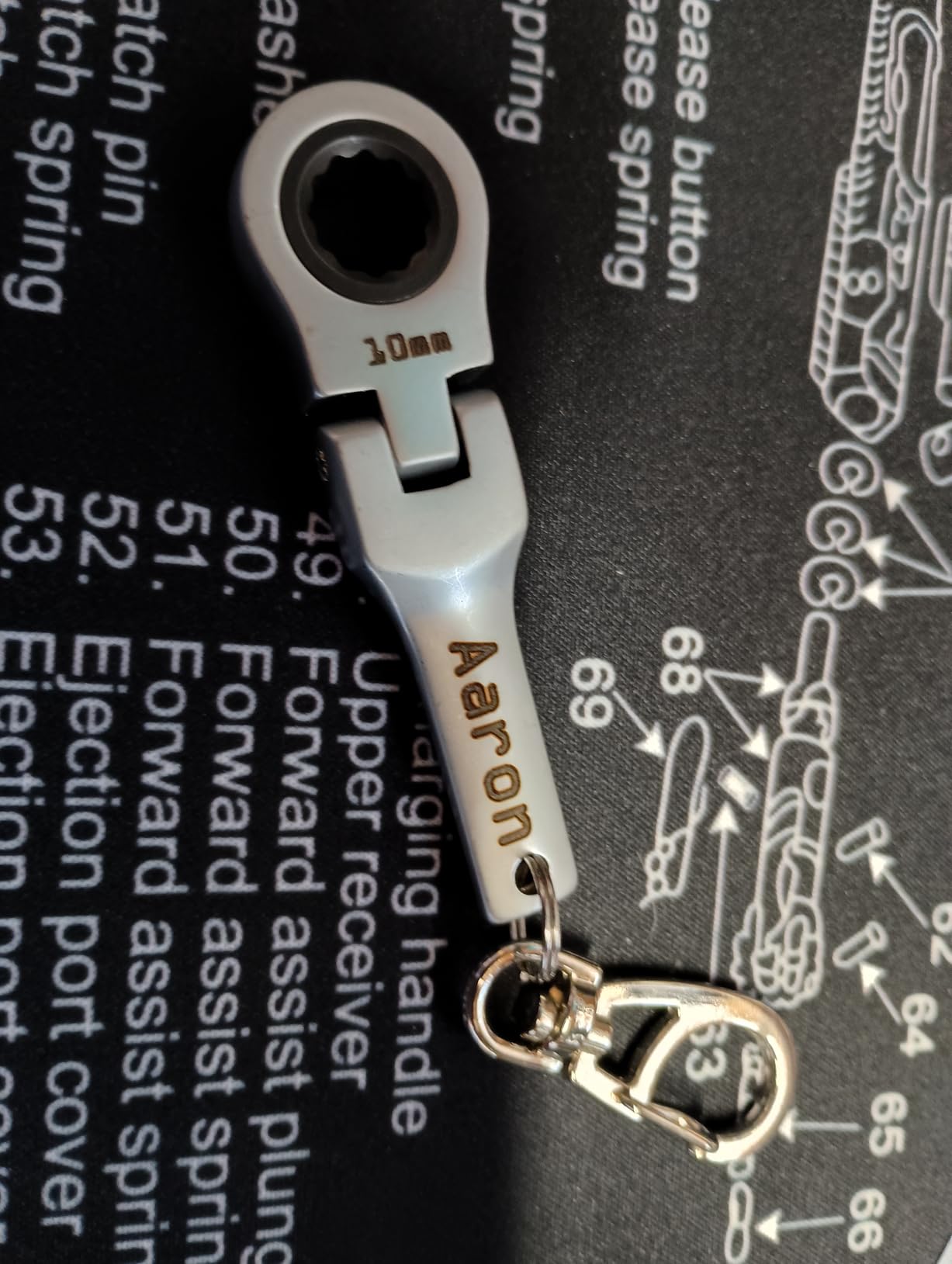
Speed is specified at up to 15000mm/s with 0.001mm accuracy, and HD 8K engraving resolution is supported. The electric lift column handles focusing in one button press, which removes the single most common cause of a bad mark on a changed-height batch.
The detachable structure lets you carry the head off the bench for handheld work. That is useful on tall assembled pieces or anything that will not lie flat.
Connectivity runs GLaser and LightBurn over WiFi or USB, and dual red light positioning with a fully digital galvo makes preview placement quick.
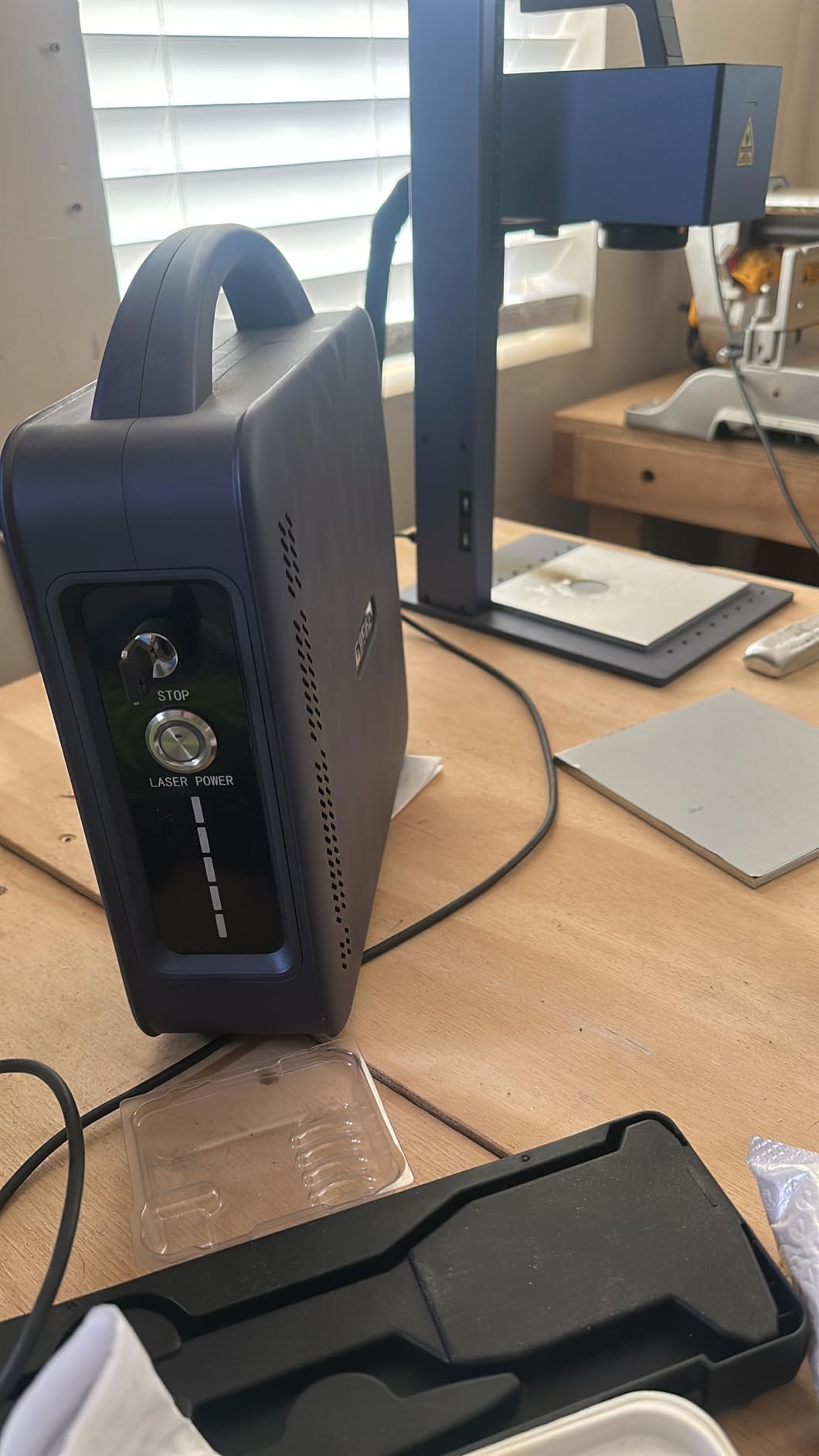
Who the G2 Max suits
A maker moving past surface marks into relief work. Deep engraving on thicker stock and light cutting of sheet metal are the two jobs 50W opens up that a 20W machine handles reluctantly.
It also suits anyone who wants color marks on stainless and titanium without moving up to a MOPA source. Ninety-plus results is a strong catalog for a machine at this tier.
Where it falls short
The 150 x 150mm working area is small. If your typical job is a large flat panel or a batch of big blanks, you will spend time repositioning rather than marking.
It is a Class 4 unit at 50000mW output, with an emergency stop, protective glasses and a cover included. That is workable in a dedicated workshop but is not a machine to run on a kitchen table, and the 26-review pool returned no review text, so treat the spec sheet as the main evidence.
6. GWEIKE G2 20W Fiber Laser Engraver
GWEIKE G2 20W Fiber Laser Engraver, 15000mm/s Laser Engraving Machine
20W 1064nm fiber
15000mm/s and 0.001mm accuracy
110 x 110mm work area
30+ color results
Pros
- Speed and accuracy usually reserved for higher tiers
- Over 30 color results on stainless steel and titanium
- Three resolution modes at 2K
- 4K and 8K
- WiFi and USB with LightBurn compatibility
Cons
- The 110 x 110mm area is the smallest here
- Deep engraving is limited at 20W
- No customer review text was returned for this ASIN
The G2 20W is the entry point into this roundup that still marks bare metal without a coating. Thirty-four reviews gives it a reasonable owner base, which is useful evidence even though the review text itself was not returned.
The headline numbers are 15000mm/s marking speed and 0.001mm accuracy. On paper that puts it level with much more expensive machines, and buyers consistently cite the combination of speed and fine accuracy as the reason they chose it.
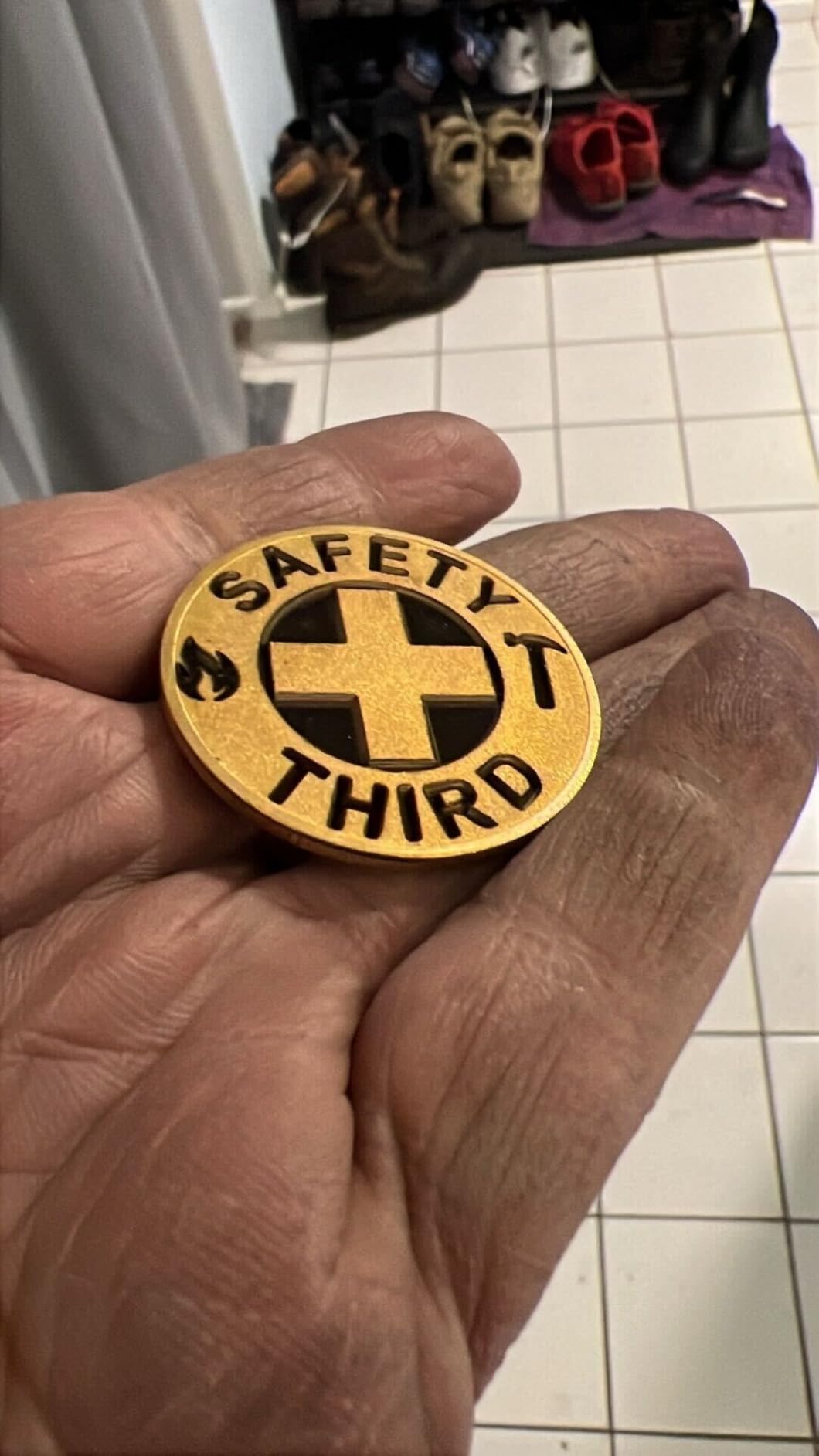
Color marking is the differentiator. Over 30 results on stainless steel and titanium puts real color capability in reach without moving up a tier, and the three resolution modes let you trade speed for detail per job.
Dual red light positioning and a fully digital galvo make preview fast, which is what you need when you are dialing in a new alloy and color combination.
Connectivity is WiFi or USB with LightBurn compatibility, so you can move files from a phone or a laptop depending on the job.
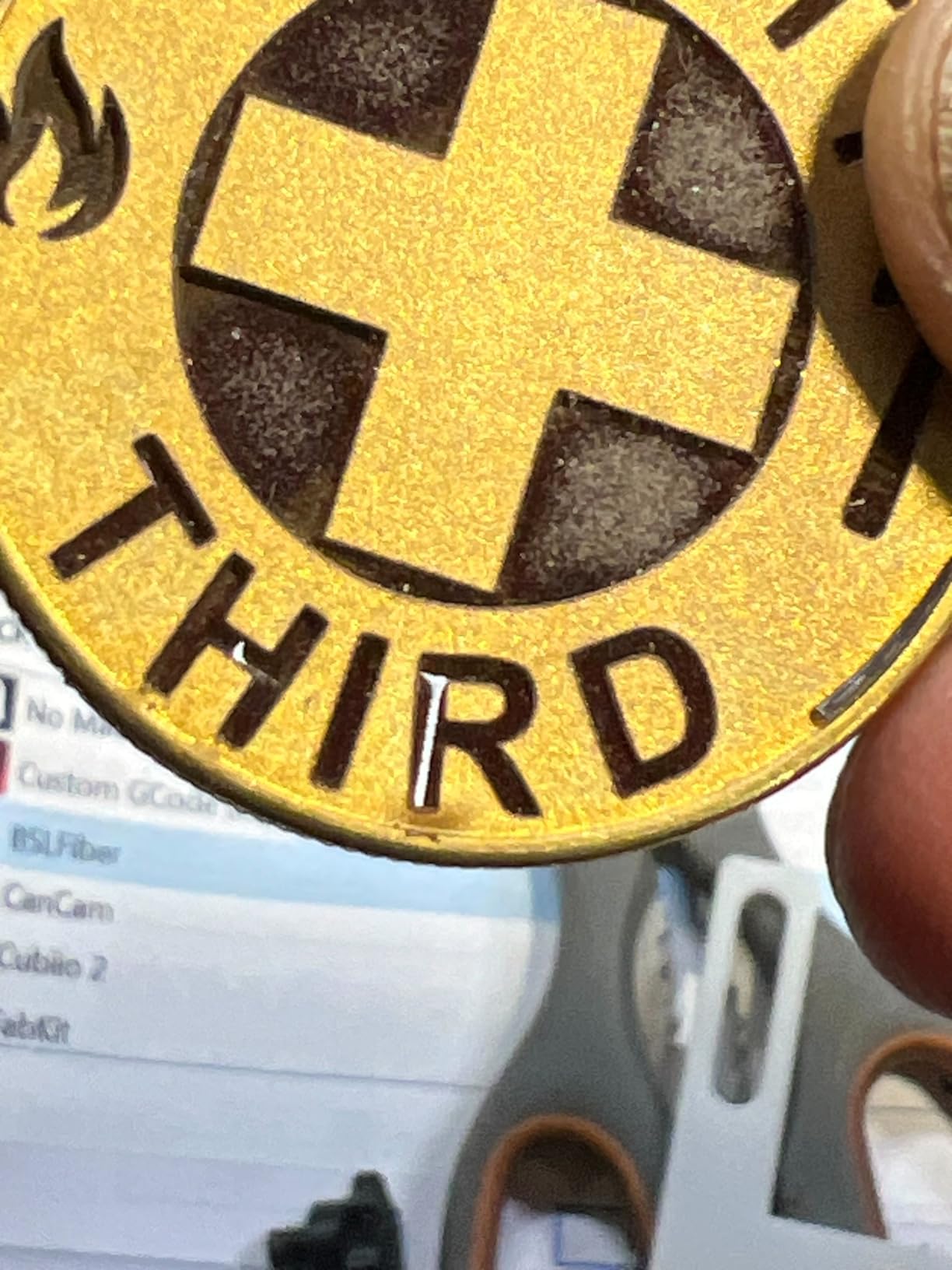
Who the G2 20W suits
Personalizers and jewelry makers who want colored marks on stainless or titanium as a differentiator on their products. Thirty-plus colors on a 20W source is unusual and it is the reason this machine earns a place.
It is also a sensible second machine for a shop that already has a diode and now needs bare-metal capability for a specific line of work rather than a full production upgrade.
Where it falls short
The 110 x 110mm work area is the tightest on the list. Small pendants, tags and small blanks are comfortable; anything wider means turning the piece.
At 20W, deep engraving is not the strength here. This is a marking machine with cutting-adjacent capability, not a relief engraving machine, and no customer review text was returned for this ASIN so the evidence rests on the specification sheet and rating distribution.
7. Carverall K15 Pro 10W Diode Laser Engraver
Carverall K15 Pro Laser Engraver 10W-Laser Engraving Machine for Coated Metal Wood Acrylic Glass Stone, Near A4 Work Area Offline Engraving CNC DIY Lazer Cutter for Home & Crafting 10000mW Class 1
Verified 10W diode output
Class 1 enclosure
11.8 x 7.9 inch workbed
0.01mm precision
Pros
- Verified 10.36 to 10.58W output rather than a marketing number
- Assembles in about three minutes
- Free CutLabX software plus LightBurn and LaserGRBL
- TF card offline batch operation
- Large A4 workbed in a desk-friendly footprint
Cons
- Bare metal needs the optional 1W IR head
- Enclosure plus air pump plus camera plus honeycomb bed sold separately
- CutLabX crashes on some systems and no vent solution is included
Let us be direct about this one. A 10W diode does not mark bare metal. What it does is mark coated metal, and if you paint, powder coat or anodize a part with a marking spray first, the K15 Pro will put a clean mark on it at a fraction of the cost of a fiber machine.
The output is verified at 10.36 to 10.58W, which is refreshing. So many marketplace listings advertise a wattage they cannot produce, and a measured figure is the first thing we look for.
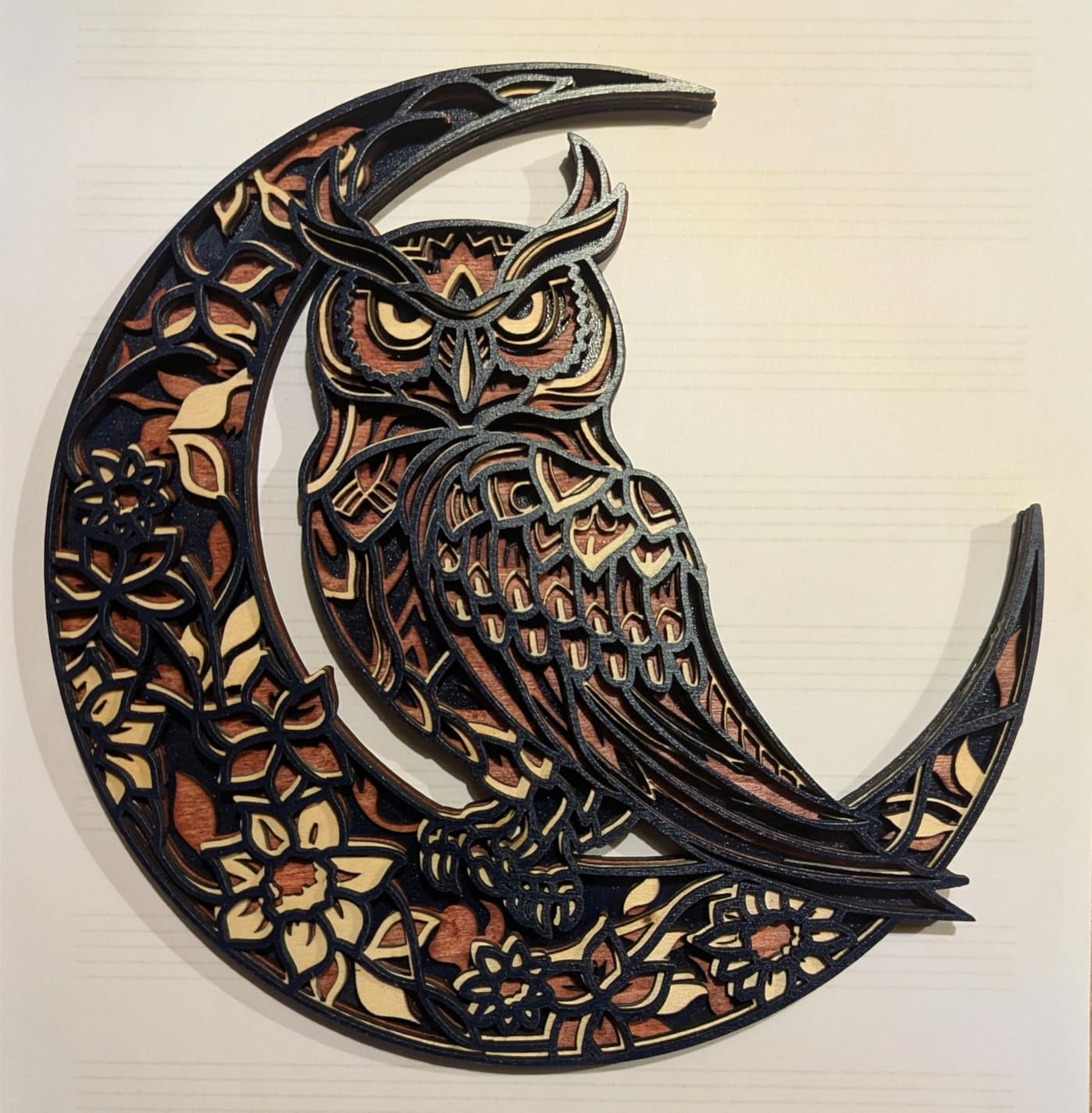
Owners call the output sharp, detailed and consistent, and the machine assembles in about three minutes with six screws. At 2.68 kg it slides under a desk, which matters if your workshop is a spare room.
CutLabX is free and runs on computer, tablet and phone with AI design generation, and TF card offline operation means batch jobs do not need a PC tethered to the machine. LightBurn and LaserGRBL both work if you outgrow the bundled software.
The optional 1W infrared head is the add-on that extends it to stainless steel tumblers and aluminum. It is a modest upgrade rather than a fiber source, but it covers a lot of real jobs.
Who the K15 Pro suits
Craft businesses and makers who mark coated, painted or anodized items rather than bare alloy. Tumblers with a cured coating, anodized aluminum plates, painted wood and laser-etched acrylic are all in range.
It is also the right first machine for a beginner who is still learning focus, speed and power settings on forgiving materials before tackling metal.
Where it falls short
The accessory list is where the real cost hides. The enclosure, air pump, framing camera and honeycomb bed are all sold separately, and no outdoor vent solution is included, so a metal-adjacent setup needs ventilation bought separately.
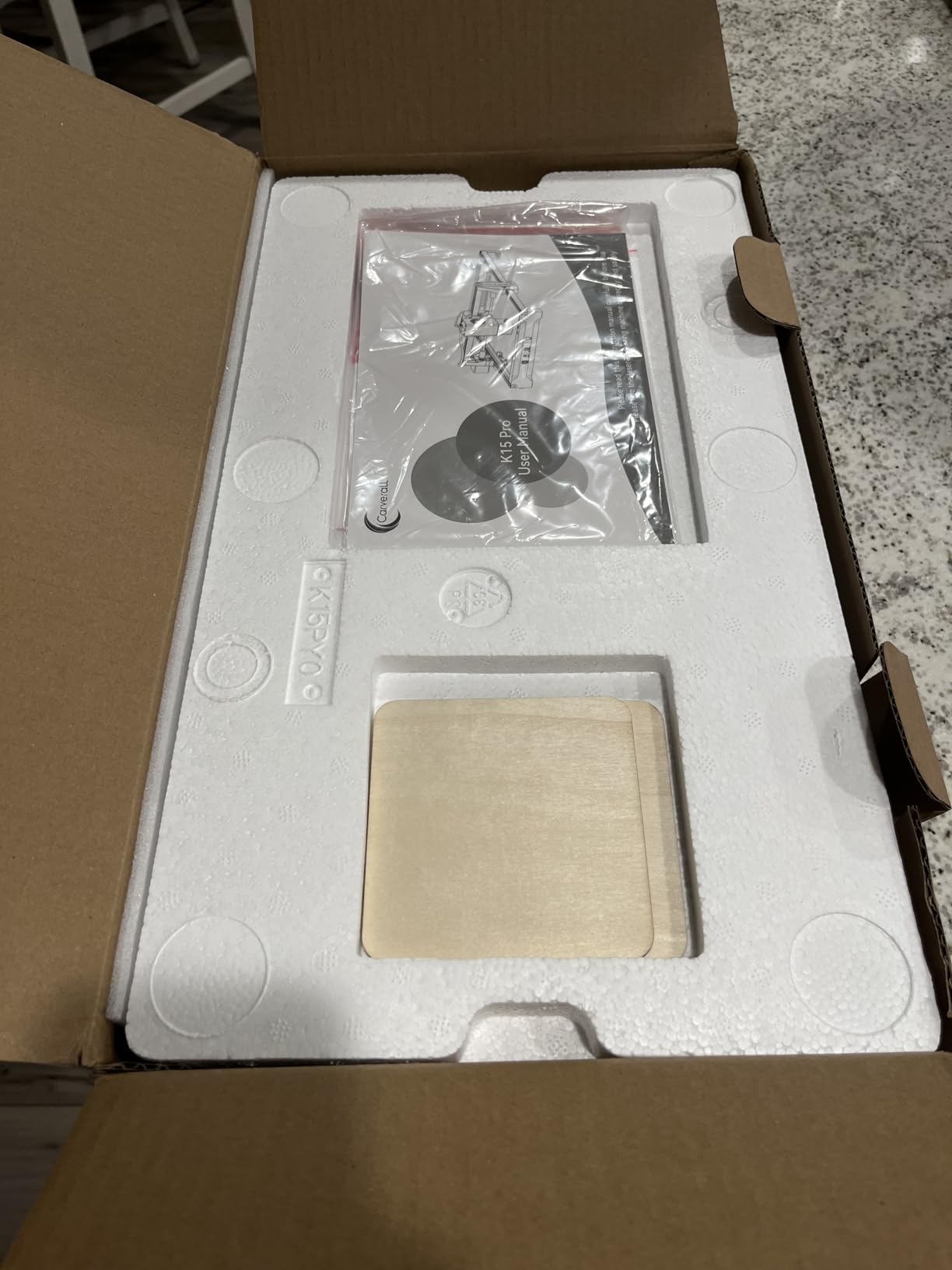
CutLabX crashes frequently on some systems, which pushes most owners toward LightBurn, and the printed manual has incorrect page references. None of that is dangerous, but it is friction you will feel in week one.
8. ATOMSTACK A20 Pro V2 20W Diode Laser Engraver
ATOMSTACK 20W Laser Engraver, A20 PRO V2 Laser Cutter, High Accuracy Laser Engraving Machine for Personalized Gifts, Business Cards, Wood, Metal, Acrylic, Leather
20W Class 4 diode
0.01mm accuracy with 0.08mm spot
Up to 400mm/s
Linear guide rail frame
Pros
- Sharp detailed results once power and speed are set
- Large work area for the money
- Solid linear guide frame that resists wear
- Works reliably with LightBurn
- Assembly takes about 20 minutes
Cons
- Very little printed documentation on controller or limit switch or WiFi setup
- Metal work is shallow surface marking on coated surfaces only
- One owner received a unit that smoked on first power-up
The A20 Pro V2 is the most-reviewed machine in this entire roundup at 134 reviews, and it earns that volume with a frame that feels heavier than the category suggests. The integrated linear guide rail replaces the belt-only motion used by cheaper builds.
Dot compression technology produces a 0.08 x 0.1mm dot, and accuracy is listed at 0.01mm with built-in limit switches and a cross-line positioning light.
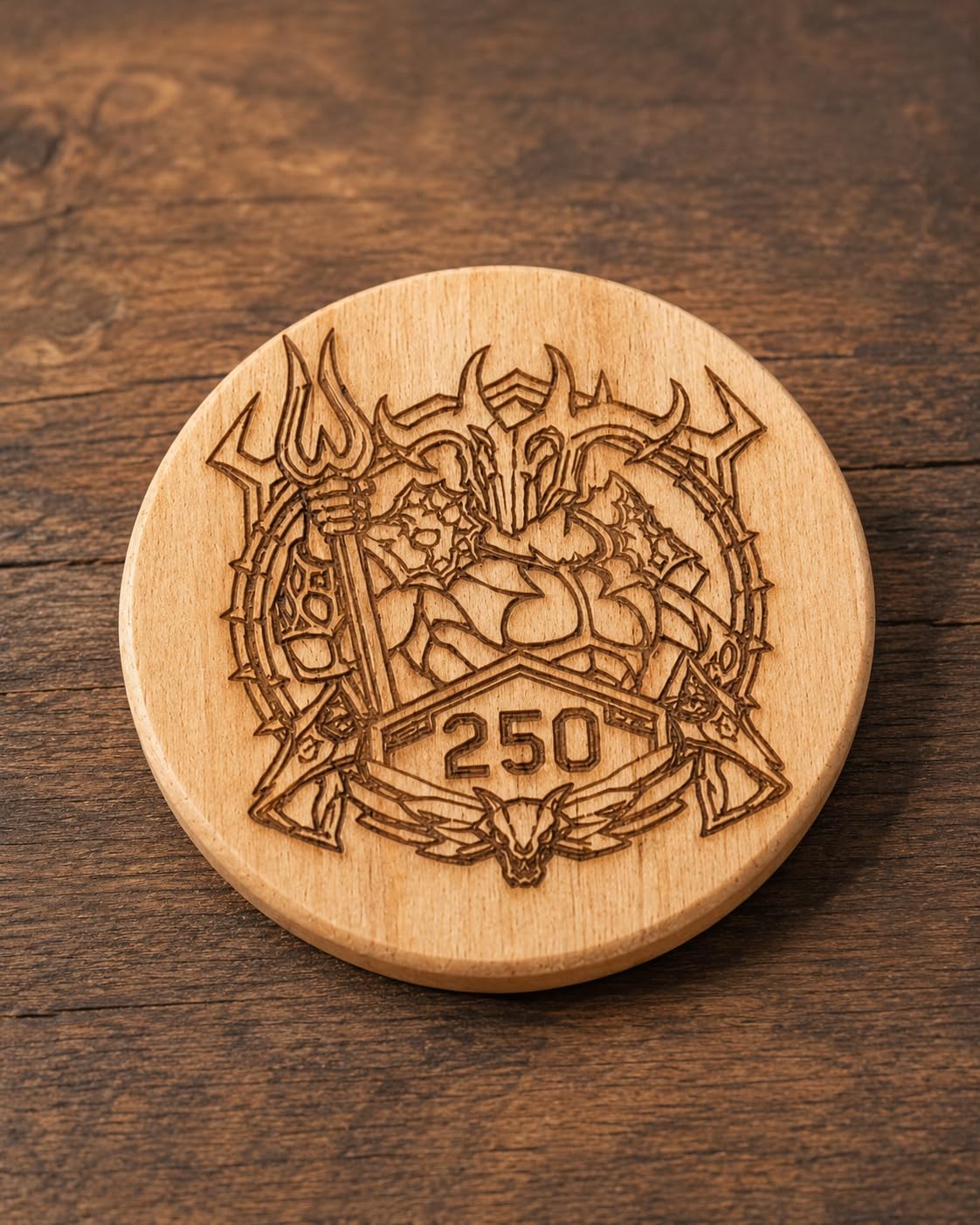
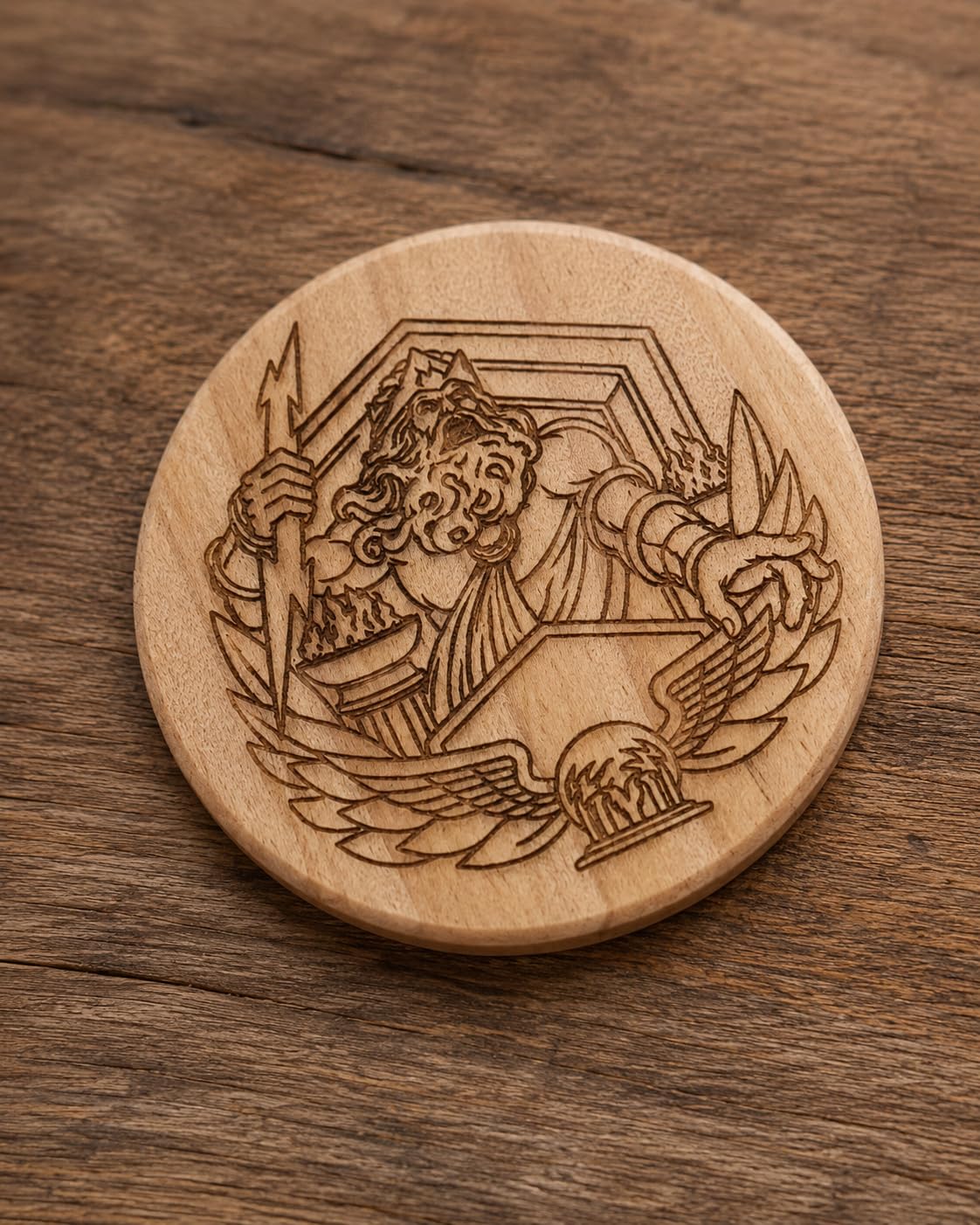
Owners report sharp, detailed engraving once power and speed are dialed in, and clean cuts in wood and acrylic with minimal burn. Speed is listed at up to 400mm/s, and the laser module lifespan is stated at up to 10000 hours.
Safety hardware includes a removable magnetic protective cover, safety glasses and a tilt-angle safety alarm above 15 degrees. It runs at 20000mW, which is a Class 4 rating and needs an enclosed workspace with extraction.
Control is via Type-C or USB stick with the ATOMSTACK app or PC software, and LightBurn and LaserGRBL are supported. Most owners settle on LightBurn because the bundled software is minimal.
Who the A20 Pro V2 suits
Anyone who wants a general workshop machine and needs metal only as one surface among many. Coated metal, anodized aluminum and painted parts are all reasonable jobs on this machine.
The linear guide frame is the reason we would pick it over a cheaper belt-driven build for long-term accuracy on larger workpieces, and 134 reviews is the broadest owner base in this guide.
Where it falls short
Documentation is the most common complaint. There is almost no printed guidance on controller, limit switch or wireless setup, so budget an evening with tutorial videos before your first job.
Belt-driven positioning is not maximally accurate on larger items, the gantry cables are not held in a drag chain and can snag, and one owner received a unit that smoked from the electronics box on first power-up. On metal specifically, the marking depth is shallow surface marking on coated and anodized surfaces, not bare metal work.
9. Twotrees TS2 40W Diode Laser Engraver
Twotrees TS2 Laser Engraver,40000mW High Precision Laser Engraving Machine,Laser Cutter,0.08mm Laser Spot Engraver Machine for DIY,Wood,Metal,Acrylic,Glass,Stainless Steel (Black and Red)
40W diode output
450 x 410mm work area
6000mm/min
0.08mm laser spot
Pros
- Roomy bed about 15% larger than a standard 400 x 400mm machine
- Sheet metal and aluminum alloy frame suppresses vibration
- 40W cuts wood and acrylic and leather cleanly
- Works offline from a TF card
Cons
- Metal work is surface etching on coated
- stainless and anodized surfaces only
- Bare metal cutting requires a fiber or infrared source
- The customer reviews returned for this ASIN cover stepper components
- not the engraver
The TS2 is the one to consider when the work is large flat panels rather than small parts. A 450 x 410mm working area is about 15% larger than a standard 400 x 400mm bed, and that difference removes a lot of repositioning on signage.
Speed is listed at 6000mm/min with 1000mm/s squared acceleration, precision at 0.1mm and the laser spot at 0.08mm. The sheet metal and aluminum alloy frame is designed to suppress vibration, which is what keeps long jobs repeatable.
Connectivity covers 2.4G WiFi, USB and TF card with offline engraving, and it runs LaserGRBL, LightBurn and macOS, which is a wider compatibility list than most builds in this group offer.
It has an emergency stop button, audible alarm and overheat protection as standard, and setup takes roughly 20 minutes with the included guide.
Being clear about the metal limitation: this machine etches the surface of coated, stainless and anodized aluminum. Bare metal cutting needs a fiber or infrared source, and no amount of wattage changes that.
Who the TS2 suits
Sign makers, furniture panel work and wall art where the blank is bigger than a standard hobby bed. Forty watts also has real cutting headroom in wood and acrylic.
If your metal work is nameplates, anodized plates and coated blanks, this is a capable and quick machine for the task.
Where it falls short
The honest caveat here is evidence quality. The customer review text returned for this ASIN discusses Twotrees stepper motors and driver modules rather than the TS2 engraver itself, so the 4.2 rating is a thinner signal on engraver performance than the review count suggests.
On function, metal capability is surface etching only. For bare metal marking with no coating step, you need one of the fiber machines earlier in this list.
10. LaserPecker LP2 with Rotary Roller
LaserPecker LP2 Laser Engraver with Roller, Portable and Handheld Laser Engraving Machine for Wood Metal Leather Acylic Engraving Laser Cutter, Suit Set with Versatile Rotary Roller
Portable handheld galvo design
0.05mm compressed spot
Electric rotary roller
196 inch trolley mode
Pros
- Compact and portable for work away from a fixed bench
- Electric roller handles tumblers and cylinders
- Galvo upgrade gives 1417 in/min and a 0.05mm spot
- Connects to a phone or PC with JPG
- PNG and G-code
- 317 reviews give the broadest owner feedback here
Cons
- Cannot engrave pure or shiny metal
- Light and transparent materials must be painted black first
- Fixed 4 inch width limits a single pass
The LP2 is the most established machine in this group with 317 reviews, and it is genuinely portable. That matters for on-site work, market stalls and repair jobs where the part does not come to you.
The galvo upgrade delivers up to 1417 in/min engraving speed with a 0.05mm compressed spot and three resolution options. That detail level is good enough for nameplate and gift work.
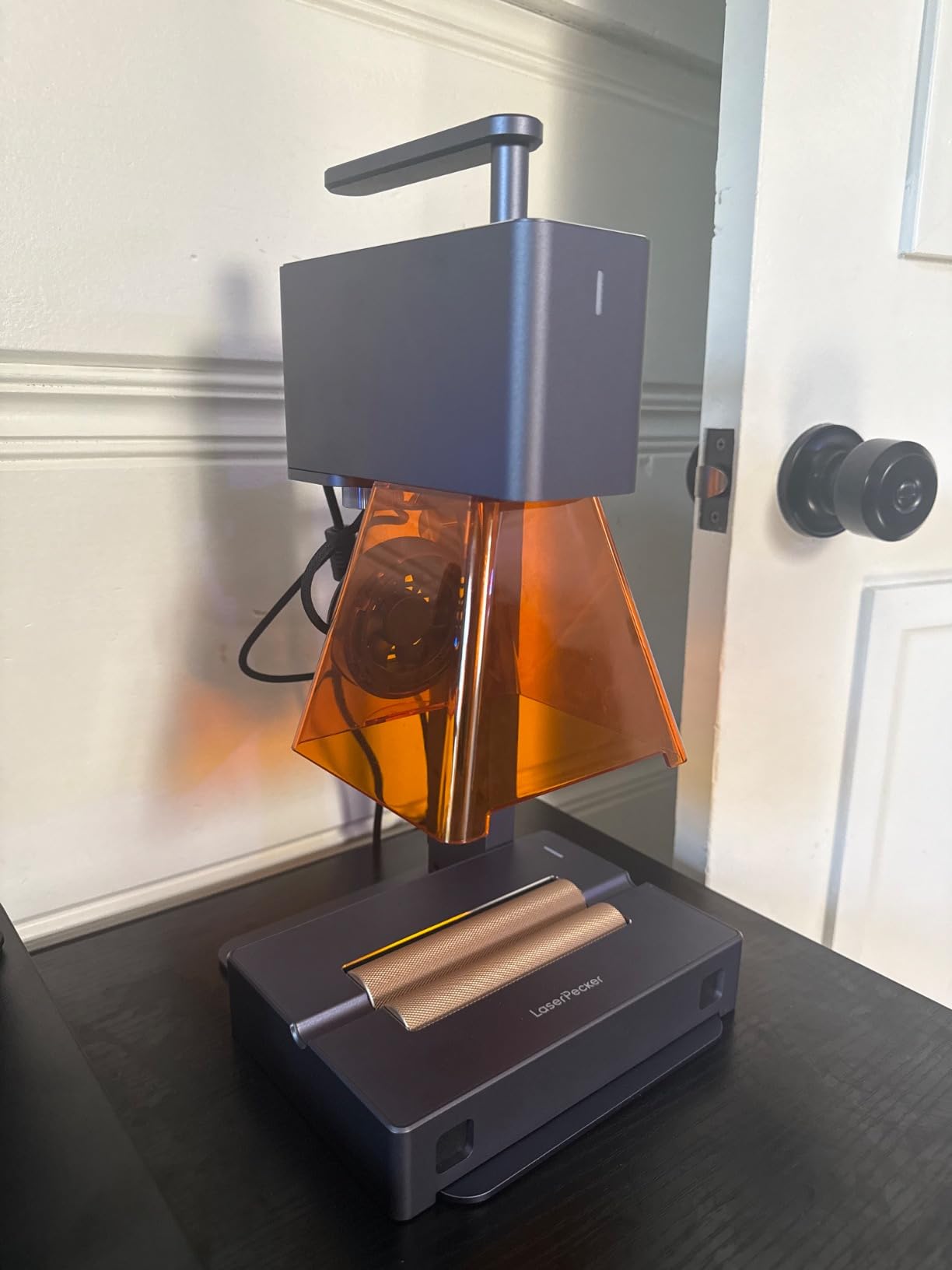
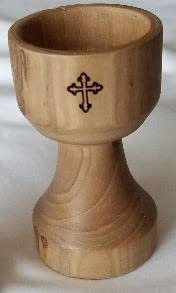
The electric rotary roller is the reason it stays on a metal shop shortlist at all. Cylinder mode handles tumblers and pencils, and trolley mode extends working length to 196 inches at 4 inches wide, so long boards are a single pass.
It works on coated metal and brushed stainless steel, and it connects to a smartphone or PC with JPG, PNG and G-code support. The package includes the roller, stand, conical protective cover, adapter and safety glasses.
The limitation is stated plainly by the manufacturer: it cannot engrave pure metal or shiny metal surfaces. For those jobs the same brand points buyers toward its higher tier models.
Who the LP2 suits
Anyone whose metal work is coated, painted or brushed stainless, and who needs to take the machine to the job. Market vendors, repair shops and craft fairs are the classic use cases.
It is also a strong first laser for someone who will mostly work in wood, leather and acrylic and treats metal as occasional.
Where it falls short
Shiny and bare metal are out of scope, and there is no coating path that fixes that. Light and transparent materials also have to be painted black before engraving.
Because it is a line-based galvo laser, it suits marking and light cutting rather than deep engraving, and the fixed 4 inch width caps how much you can do in one pass.
Fiber vs Diode vs CO2 vs UV for Metal Marking
Choosing a laser for metal is mostly a wavelength decision. The breakdown below covers the four families you will see in shops, which is the fastest way to rule machines in or out before you read a single product page.
Fiber, 1064 nm. Engraves, etches or anneals bare metal directly. Best metals: stainless steel, aluminum, brass, copper, titanium, gold and silver. This is the family to buy if bare metal is the core of your work.
Diode, around 455 nm visible blue. Produces surface marks on coated, painted or anodized surfaces only. Best metals: coated tumblers, anodized aluminum, painted parts and brushed stainless. Cheap and capable, but only with a coating.
CO2, 10600 nm. Removes a marking spray or coating to reveal the metal underneath. Best metals: coated and anodized items after a CerMark or marking spray step. Useful in a mixed shop, wrong as a bare-metal solution.
UV, 355 nm. Cold ablation with almost no heat affected zone. Best surfaces: thin films, laminates, fine electronics and coated items where heat damage is the concern.
The practical difference in one sentence: a fiber laser marks bare metal with no consumable, while a diode or CO2 laser marks metal you have already covered with something.
Wattage numbers are not comparable across families. A 20W diode and a 20W fiber source deliver very different results on metal, because the diode is being absorbed by a coating rather than by the alloy. Compare like with like, and always check whether the stated wattage has been measured.
Two laser technologies appear inside single machines. MOPA sources let you set pulse width independently, which is what makes color marking on stainless and titanium reliable. Q-switched sources are cheaper and produce the familiar dark or light mark only.
A galvo head steers the beam with mirrors for speed and precision in short marks. A gantry moves the whole laser head along rails, which handles larger sheets but is slower on small batches. Most desktop fiber machines here are galvo, and the diode machines are gantry.
None of these fibers will mark wood, acrylic, leather or paper. That is the trade for metal capability, and it is why several picks in this list pair a fiber head with a diode head in the same enclosure.
Which Laser Type Marks Which Metal
Surface finish changes the answer more than wattage does. Here is how the main metals and finishes behave.
- Bare stainless steel: fiber lasers etch or anneal it directly. Diode machines only mark a coated or brushed surface.
- Bare aluminum: a 1064 nm fiber removes the oxide layer and marks the metal underneath, or produces a black mark at high repetition rates. Diode machines need a coating.
- Anodized aluminum: diode and CO2 lasers remove the anodizing layer with a marking spray and reveal bright metal, which is a legitimate low-cost method.
- Brass and copper: fiber lasers mark these cleanly and quickly, and both respond well to color settings.
- Titanium: fiber lasers handle it, and the machines that publish color counts list titanium alongside stainless.
- Powder-coated or painted parts: every family marks these, but burning coating produces the most particulate, so extraction matters most here.
- Gold and silver: fiber lasers work without touching the plating underneath, which matters on plated jewelry.
Two materials deserve a warning. PVC and vinyl-coated wire release chloride fumes that are genuinely hazardous, so do not put that material anywhere near an extraction system you also use for steel. And galvanised or unknown alloys can behave unpredictably, which is where fire risk enters the picture.
Safety, Fumes and Ventilation for Metal Marking
This is the section that separates a useful guide from a dangerous one. Fume extraction and fire prevention are the two most common concerns raised by owners on laser engraving forums, and neither is optional.
Metal marking itself is comparatively clean. Owners running 20W fiber machines report minimal fumes during normal marking, which is one reason fiber has the stronger safety story in practice. The spike comes when you burn powder coating, vinyl or unknown plastics, because that is when particulate and gas production jump.
Avoid PVC and vinyl entirely. If a job involves cable, insulation or a coated wire, do it elsewhere. Chloride fumes from PVC are corrosive and can damage an extraction system as well as the operator’s lungs.
Match extraction to the machine, not to the room. A 50W class unit pushing air through a flexible duct needs real duct diameter, and owners on laser software forums regularly report extraction charts going off the scale within minutes when the duct is undersized or the seal leaks.
Position the extractor as close to the bed as the geometry allows, seal the enclosure, and check the filter rating before you buy it. A cheap dust collector designed for wood dust is not adequate for metal particulate.
Eye protection is non-negotiable. Every Class 4 machine in this list needs wavelength-rated goggles for 1064 nm, and the enclosed Class 1 units reduce but do not eliminate the risk.
Fire is the under-discussed risk. Galvanised steel, magnesium alloys and unknown coated parts can all react badly. Keep an extinguisher rated for the materials you actually run, clear the bed of offcuts before every session, and never leave a marking job unattended.
Our guide to laser printers for a home office covers the general question of running laser equipment in shared spaces, and the ventilation reasoning applies just as much here.
How to Spot a Fake Fiber Laser Listing
Marketplace listings are the biggest source of wasted money in this category, and the failure mode is consistent: a rebranded diode machine advertised as a low-wattage fiber source.
Check the wavelength first. A real fiber laser is a 1064 nm source, and that number should appear in the technical specification. A listing that never states a wavelength is not describing a fiber laser.
Look at the metals list. A genuine fiber laser names stainless steel, aluminum, brass, copper, titanium, gold and silver as direct materials. If the claim is limited to coated metal and anodized aluminum, you are looking at a diode machine.
Verify the safety class against the power. There are real inconsistencies in listings, including ones that describe a high-power fiber source as a Class II product with a low milliwatt figure. When those two numbers contradict each other, ask the manufacturer directly.
Ask what is in the box. Fiber machines ship with 1064 nm goggles, a chiller, and often a rotary axis. A listing that promises a rotary attachment and delivers without one is a warning about the whole listing.
Check for measured output rather than a headline wattage. Machines that publish a measured range, such as a diode specified at a verified wattage rather than a round marketing number, tend to be more accurate in every other spec too.
First-Week Setup Checklist for a New Metal Laser
Owners consistently describe the first week as the steepest learning curve, and most of it is setup rather than marking. Work through this list before the first paid job.
- Unbox and photograph everything on arrival, including serial numbers, before anything else.
- Connect the chiller and confirm coolant flow before you power the source.
- Set up air assist with a dedicated compressor rather than sharing a shop line.
- Install the fume extractor and verify the reading with a meter under a test mark, not under no load.
- Focus with the included gauges or autofocus before the first material goes down.
- Calibrate the galvo on a flat surface and re-check weekly.
- Run test marks on scrap of every alloy you plan to mark, and write down the settings.
- Install LightBurn or the vendor software and confirm the license path works.
- Set up rotary attachment alignment if you will use it, using a scrap cylinder first.
- Write down your extraction filter replacement interval and put the date in your calendar.
Buying Guide for Metal Marking Machines
Before you commit, work through these questions in order. The order matters, because the first two questions eliminate most of the market.
Do you need bare metal marking at all?
If your parts arrive powder coated, painted or anodized, a diode machine with a marking spray is a legitimate and much cheaper path. If your parts arrive as raw stock, you need a fiber laser. Deciding this first saves more money than any other single choice.
Which metals, in practice?
Write down the top three alloys on your list. Stainless and aluminum is a different buying problem from brass and copper, and titanium on a production schedule points toward a higher wattage machine with color capability.
What power tier do you need?
Around 20W is enough for marking and shallow engraving on thin jewelry and tags. Around 50W opens deep engraving and light sheet cutting. At 60W and above with MOPA you get color marking, black marking on aluminum and laser cleaning.
How big are your parts?
Galvo machines run a 110mm to 220mm field typically. If your parts are larger panels, check whether a conveyor extends the length, or whether you need a gantry diode machine instead.
What is your real monthly volume?
Under a hundred marks a month rarely justifies a production machine. Above that, the speed and repeatability numbers in the table above start to matter, because galvo speed compounds across every job.
What does it cost to run?
Budget beyond the machine for a chiller where one is not integrated, a dedicated air compressor, fume extraction with metal-rated filtration, replacement lenses, and marking spray if you use a diode machine. Owners report this hidden list is what pushes a real purchase past the sticker figure.
Which software will you live in?
LightBurn is the standard control path and appears across most of these machines. Check Mac support specifically, because a few machines in this roundup show Windows-only LightBurn connectivity even where the bundled software runs on both.
Whichever route you take, we would buy a machine you can grow with rather than the cheapest one that technically scratches a mark. The gap between a coated mark and a bare-metal mark is usually the difference between a hobby and a business.
Frequently Asked Questions
What is the best laser machine for metal engraving?
A 1064 nm fiber laser is the best machine for metal engraving because it marks bare stainless steel, aluminum, brass, copper and titanium directly, with no marking spray or coating step. Among the machines we compared, the xTool F1 Ultra 20W is the easiest starting point because it pairs a fiber head with a diode head in one enclosed box, while the xTool F2 Ultra 60W MOPA is the strongest choice for color marking and volume production.
Will a 10W laser engrave metal?
A 10W diode will not mark bare metal. It marks coated, painted and anodized surfaces, and on stainless it needs either a brushed finish, a coating or an optional 1W infrared head. Bare stainless, aluminum, brass and copper need a 1064 nm fiber laser, which is why every true metal marking machine in this roundup at the higher end is fiber-based rather than diode-based.
Is diode laser good for metal engraving?
A diode laser is good at surface marking on coated metal and is the cheapest legitimate path to marking tumblers, anodized aluminum and painted parts. The catch is that it requires a marking spray or coating on bare alloy, adds a consumable and cleanup step, and cannot cut or engrave bare metal at all. For bare metal work, a fiber laser is the correct tool.
Which is better, xTool or LaserPecker?
For metal marking specifically, xTool is the stronger choice. Its F1 Ultra and F2 Ultra pair a 1064 nm fiber source with a diode in an enclosed desktop box, so they mark bare metal as well as wood and acrylic. The LaserPecker LP2 is portable and includes an excellent rotary roller for tumblers, but the manufacturer states it cannot engrave pure or shiny metal, which makes it a coated-metal machine rather than a bare-metal one.
Are laser cutter fumes harmful?
Yes, and the risk depends on the material. Metal marking produces relatively little particulate, but burning powder coating, PVC or vinyl releases fine particles and chloride gases that are genuinely hazardous. PVC and vinyl-coated cable should never be marked. Extraction should be sized to the machine, sealed to the enclosure and fitted with metal-rated filtration, and a meter reading taken under an actual test mark rather than at idle.
Is laser engraving profitable?
It can be, but only when the machine matches your material and your volume. Bare metal marking supports higher prices because there is no coating step and the mark is permanent and abrasion resistant, which is why many jewelry and fabrication businesses run a fiber machine specifically for metal work. Running a diode machine on bare metal jobs you cannot complete is where margins disappear, so match the machine to the job first.
Conclusion
For best laser engravers for metal marking in 2026, the xTool F1 Ultra 20W remains our pick to buy first. It marks bare metal and every other material family in one enclosed desktop machine, and its camera-assisted batch alignment is the feature that pays back fastest in a production setting.
Step up to the xTool F2 Ultra 60W MOPA when color marking and volume justify it, and consider the SFX 50W or GWEIKE G2 Max when deep engraving and precision matter more than color. For coated metal on a smaller budget, the Carverall K15 Pro is the most capable entry point.
Whatever you choose, budget for extraction, air assist and a chiller from day one. Good luck with your first mark, and check your settings on scrap before you touch a paid job.